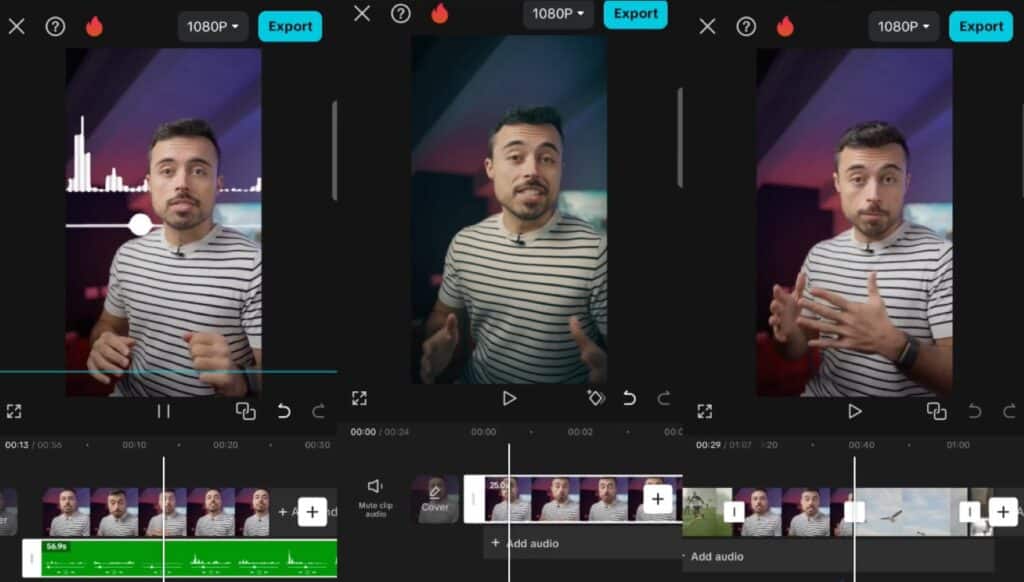
Are you like me, someone who wants to become a pro at video editing but isn’t quite sure where to start? Well, you’re not alone! Getting the hang of video editing can feel overwhelming at first, but it’s really all about learning the right tips and tricks. Once you know the basics, you’ll be editing like a pro in no time. Let’s talk about some of the best video editing ideas that will level up your skills and make your videos stand out!
Try Unique Transitions
Credit: youtube.com
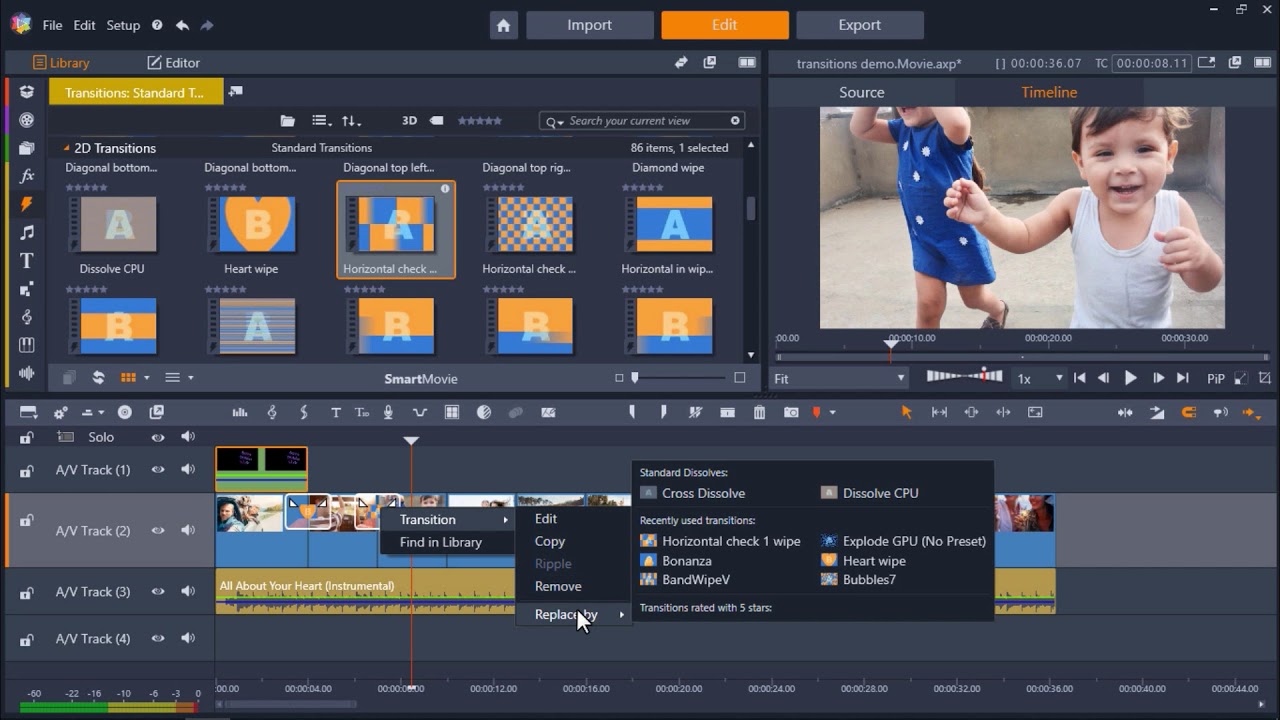
Let’s start with transitions. Sure, fades and cuts work, but why not get a little creative? A good transition can make a video flow smoothly and keep your audience interested.
- Whip-pan transitions: These create a smooth, fast-moving effect between clips, making your video feel action-packed. Great for video editing, animation ideas, or fast-paced content.
- Dissolves and fades: Perfect for calming, emotional scenes. They give a smooth, slow transition that feels peaceful.
By adding unique transitions, you make your video more visually engaging. It’s like giving your audience a new visual experience each time the scene changes.
Guess who’s a pro at trying our unique transitions? Yeah, you guessed it right! Hashtag Media does it all. Just tell us your needs, and the rest is on us. Get in touch now.
Vary the Speed
Playing with the speed of your clips can really change the vibe of your video. It’s a simple video editing trick for beginners that can make your video feel more exciting or intense.
- Slow motion: Slow down a specific action to highlight something important. Whether it’s a dramatic moment, a fun trick, or a reaction shot, slow motion adds emphasis.
- Time-lapse or fast motion: Speed up mundane actions to make them visually interesting. For example, showing a sunset or a busy street scene in time-lapse can compress a long event into a fun, quick clip.
Switching between slow and fast speeds adds variety and keeps your video exciting.
Add Text Overlays & Graphics
Credit: clipchamp.com
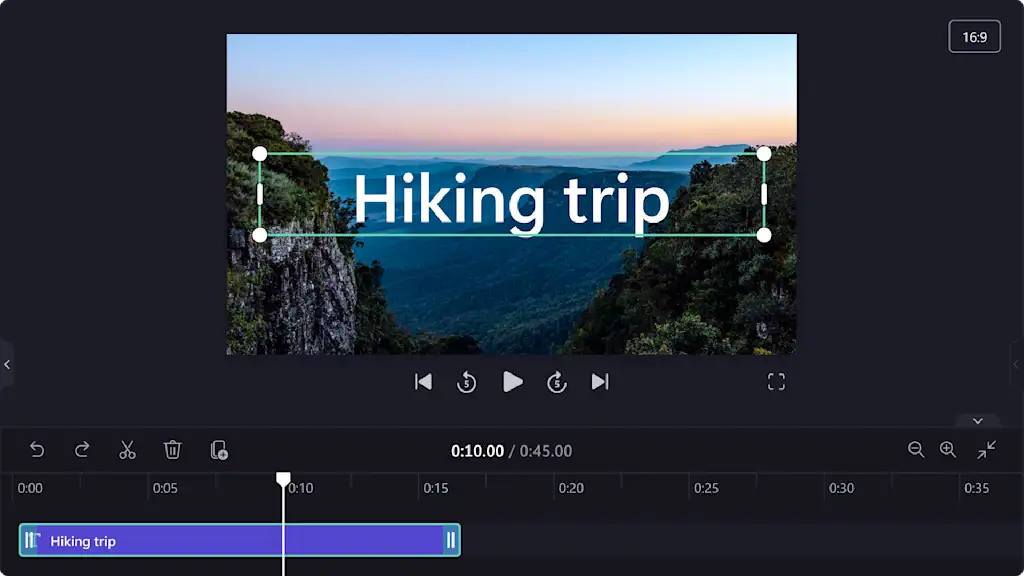
Text and graphics aren’t just for titles. They can highlight important information, add humor, or simply make your video more dynamic. Whether you’re doing basic video editing ideas or experimenting with something more complex, text and graphics can be the perfect solution.
- Text overlays: Use text to emphasize key points or add context. For example, if you’re sharing a tip in a tutorial, overlay the main idea in bold text.
- Graphics and icons: Arrows, circles, or little illustrations can draw attention to specific parts of your video. Think of them as little visual cues to guide your viewer.
These small additions will make your video more interactive and fun, especially for your audience watching without sound!
Use Music and Sound Smartly
Music is everything. The right track can set the mood instantly. Even small sound effects can change the energy of your video.
- Upbeat music: Perfect for energetic, fun, or fast-paced content. Music with a good beat will keep your audience hooked.
- Calm, ambient music: Ideal for tutorials, product reviews, or anything that’s informative or laid-back.
- Sound effects: Use subtle sound effects like a “whoosh” for transitions or a pop for text on screen to add that extra punch.
Good sound design brings your video to life. Just remember to keep your music at a comfortable level so it doesn’t overpower your voiceover or the main content.
Incorporate B-Roll and Cutaways
Credit: capcut.com
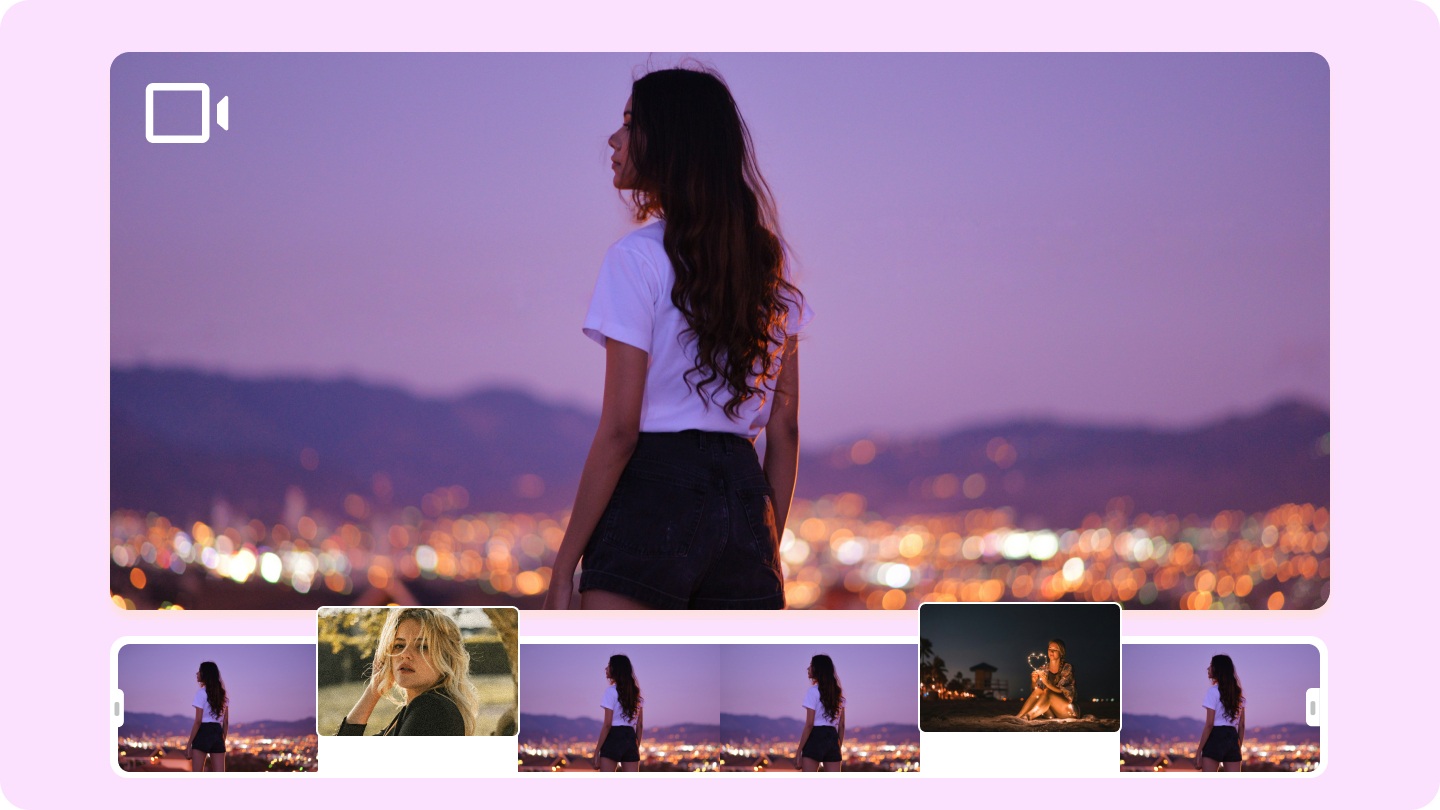
B-roll is the extra footage you use to cut away from the main action. It helps break up long, talking-head scenes and keeps the video visually interesting.
- B-Roll: This could be clips of your surroundings, a product close-up, or anything that helps tell the story of your video. If you’re talking about a product, show the product in use as you speak.
- Cutaways: A cutaway could be a quick shot of something relevant happening in the background. For example, if you’re explaining something technical, show your hands typing on a keyboard.
We can say B-roll adds depth and variety to your video, keeping your audience visually engaged without losing focus on the main subject.
Play with Color Grading
Color grading is one of those video editing tips that instantly elevates the look of your video. By adjusting the colors, you can create a certain mood or feel for your video.
- Cool tones (blues and greens): Great for professional or calming content. If you’re filming an interview or something serious, these colors can give it a sleek, polished look.
- Warm tones (reds, oranges): Perfect for making the video feel inviting or energetic. These tones are great for lifestyle vlogs, travel videos, or anything where you want a cozy, happy vibe.
Color grading is a subtle way to tie your video together, making it feel cohesive and visually appealing.
Jump Cuts for Style & Pace
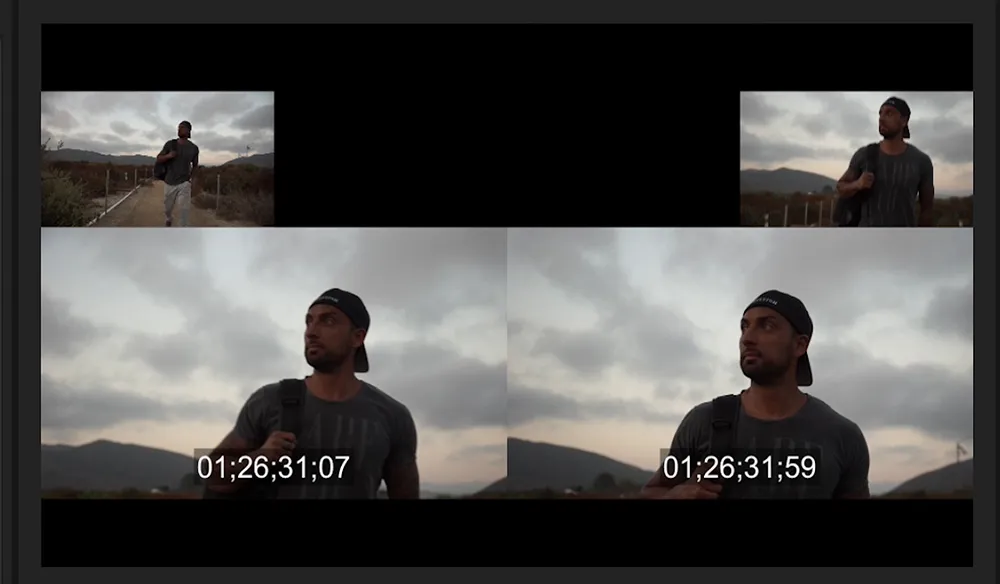
Credit: premiumbeat.com
Jump cuts are a fun way to keep the pace quick and snappy. They’re especially great for video editing project ideas for beginners or tutorials where you want to keep things moving.
Use jump cuts to remove long pauses, repetitive speech, or any unnecessary moments. This keeps the pace quick and the video flowing smoothly.
Jump cuts work well in vlogs and tutorials, where you want to get to the point fast without losing your audience’s attention.
Experiment with Split-Screen or Picture-in-Picture
Have you ever wanted to show two things at once? Split-screen and picture-in-picture allow you to do that in a creative and engaging way.
- Split-screen: Shows two clips side by side. Perfect for comparing things or showing multiple angles at the same time.
- Picture-in-picture: Inserts a smaller video within the main video. This is useful for reaction shots, commentary, or showing a tutorial while demonstrating.
These techniques add a professional touch and give your video a more dynamic, polished feel.
Add Motion Graphics or Animated Titles
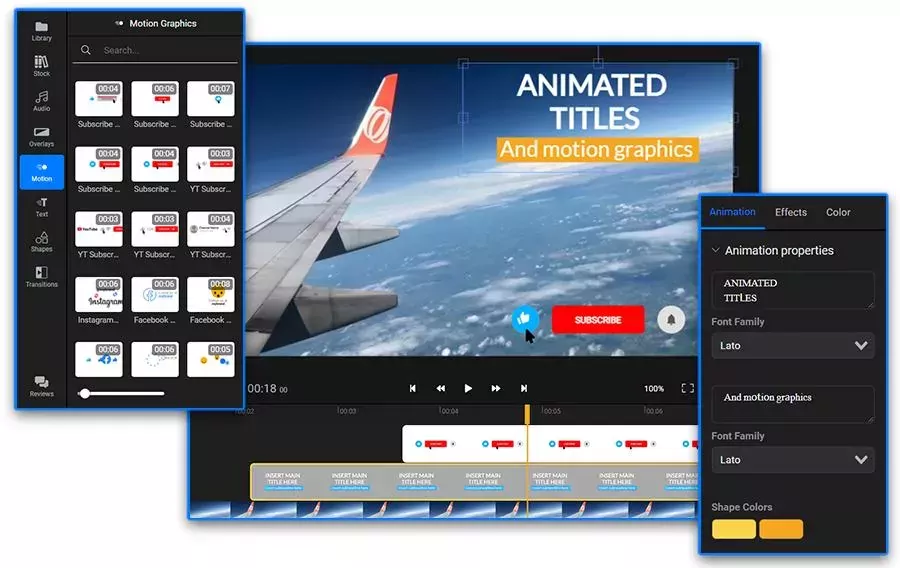
Credit: flixier.com
Motion graphics and animated titles make your video look polished and professional. You don’t need to be a pro animator to use them; simple animations can go a long way.
- Animated titles: Use for intros, chapter titles, or key points in your video. They help grab attention and highlight important parts of your video.
- Motion graphics: Can help explain concepts, give visual flair, or even just enhance the look of your video.
They don’t have to be over-the-top, but adding a little movement can make your video feel much more professional.
So you don’t know how to be a pro at adding motion graphics? Don’t worry, our video editing agency in Dubai is all you need. No matter whether it’s a small or big project, we will help you get the desired results in no time. Real-time results? Our guarantee!
Use Thematic Montages
Let me tell you an interesting fact: montages are a great way to show several moments or ideas quickly. They’re especially useful when you want to show progress, recap highlights, or just pack in a lot of info fast.
- Pair quick cuts with energetic music to create a feeling of excitement or urgency.
- Use montages to show changes over time, like a before-and-after transformation, or to showcase a fun series of events.
Montages bring energy and rhythm to your video, making it feel dynamic and packed with content.
Wrapping It Up
And there you have it! 10 simple yet powerful video editing ideas you can use to be a pro at video editing. Whether you’re filming for a wedding video editing service, a YouTube video editing service, or simply a personal project, these techniques will help you create videos that stand out from the crowd.
Remember: Video editing is all about experimenting and finding what works best for your style.
Frequently Asked Questions
Need the simplest tips on video editing ideas? Here’s what you need to know.
What’s the easiest editing technique to start with?
Start with jump cuts and text overlays. They’re simple to use but instantly elevate your video.
How do I choose the right music for my video?
Pick music that matches your video’s mood. Upbeat tracks for fast, energetic content and calming music for tutorials or informative videos.
Can I use jump cuts in every video?
Jump cuts work best for fast-paced content like vlogs or tutorials. Use them sparingly in slower videos to maintain a smooth flow.
How do I add color grading to my videos?
You can use presets or apps with filters. Adjusting contrast and temperature will help you create the perfect look for your video.
How do I make my videos more professional without over-complicating things?
Focus on clean transitions, B-roll, and good sound design. These small touches can make a big impact.